TeraBox vs Dropbox: Which One Should You Choose in 2026?
Cloud storage has become a necessity for students, professionals, content creators, and businesses. Among the many available options, TeraBox and Dropbox are two well-known cloud storage platforms that offer file backup, sharing, and synchronization features. However, both services target different types of users.
TeraBox is popular because of its massive free storage offering, while Dropbox is known for its professional collaboration tools and business-friendly ecosystem. If you’re confused about which platform is right for you, this detailed comparison will help you understand the differences between TeraBox and Dropbox in terms of storage, security, pricing, performance, and overall user experience.
Quick Comparison: TeraBox vs Dropbox
| Feature | TeraBox | Dropbox |
| Free Storage | Up to 1TB | 2GB |
| Cloud Backup | Yes | Yes |
| File Sharing | Available | Advanced |
| Device Sync | Yes | Yes |
| Collaboration Tools | Basic | Advanced |
| Business Features | Limited | Extensive |
| Linux Support | No | Yes |
| Mobile Apps | Android & iOS | Android & iOS |
| Desktop Apps | Windows & Mac | Windows, Mac & Linux |
| Best For | Personal Users | Teams & Businesses |
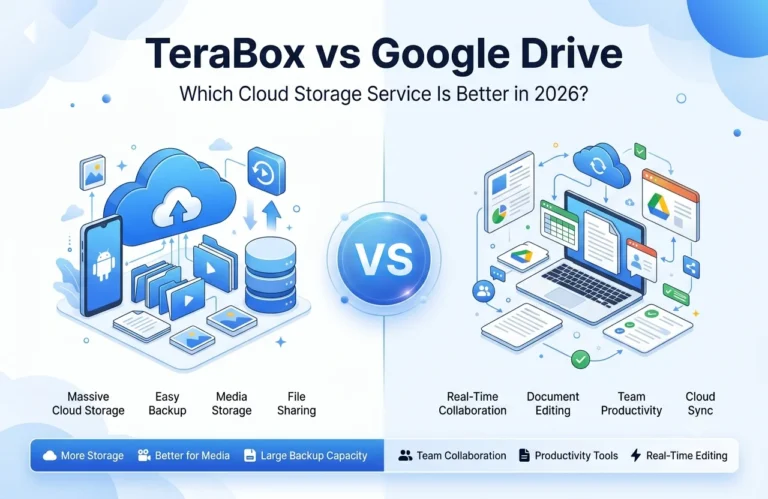
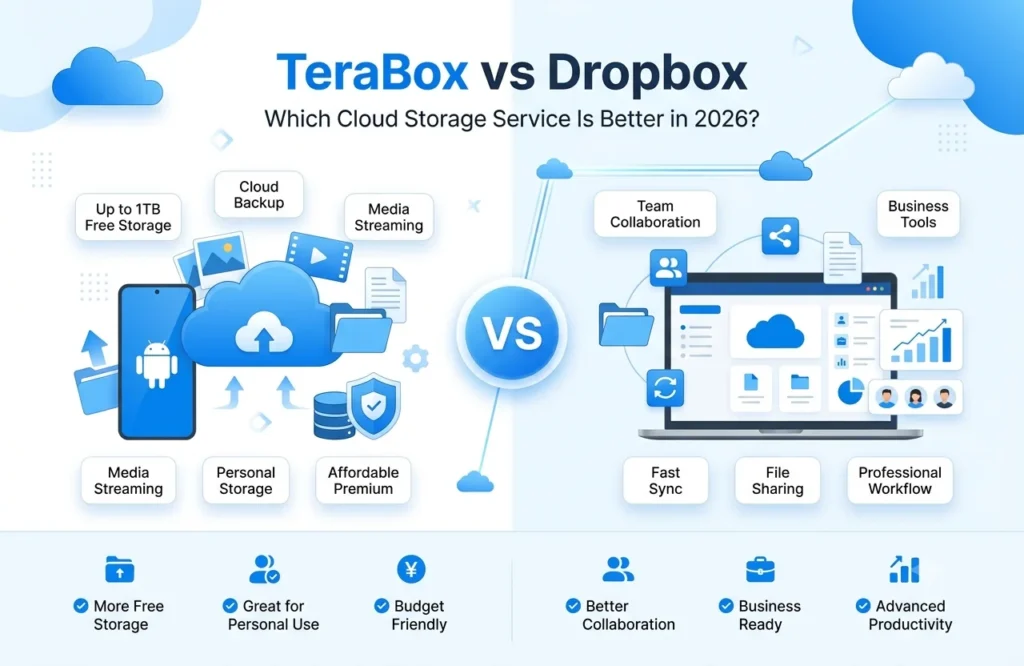
This comparison shows that TeraBox focuses on storage capacity, while Dropbox focuses on productivity and collaboration.
Also Check: Terabox vs google drive
What Is TeraBox?
TeraBox is a cloud storage platform that allows users to store photos, videos, documents, and other files online. The biggest reason behind its popularity is its generous free storage space, which is significantly larger than most competitors.
Users can upload files, create backups, access content from multiple devices, and share files through links. It is particularly attractive for users who need large storage capacity without spending money on premium plans.
What Is Dropbox?
Dropbox is one of the oldest and most trusted cloud storage services in the market. It focuses heavily on file synchronization, team collaboration, document sharing, and productivity.
Businesses and professional teams often choose Dropbox because it offers advanced collaboration tools, real-time editing support, and seamless integration with various workplace applications. Dropbox is designed for users who need more than just cloud storage.
Storage Capacity: Which One Offers More Space?
Storage is usually the first factor people consider when choosing a cloud storage platform.
TeraBox clearly wins in this category because it offers substantially more free storage space than Dropbox. For users who store large collections of photos, videos, or personal files, TeraBox provides a significant advantage.
Dropbox, on the other hand, offers limited free storage. While additional storage is available through paid plans, users must upgrade relatively quickly if they need more space.
If your primary goal is maximum storage at minimum cost, TeraBox is the stronger option.
Security and Privacy Comparison
Security is one of the most important considerations when storing files online.
Both TeraBox and Dropbox implement security measures such as encrypted data transmission and account protection systems. They also support features designed to reduce unauthorized access to user accounts.
Dropbox has built a strong reputation over the years for enterprise-level security and business data protection. Many organizations trust Dropbox because of its long history in the cloud storage industry.
TeraBox also includes security protections, but discussions within the cloud storage community often show that users tend to trust Dropbox more for sensitive business data, while TeraBox is frequently chosen for personal storage and backups.
File Sharing and Collaboration Features
File sharing is available on both platforms, but Dropbox offers a more advanced collaboration environment.
Dropbox allows teams to work together efficiently through shared folders, document collaboration, commenting features, and workflow integration. This makes it highly suitable for businesses and remote teams.
TeraBox supports file sharing and folder management, making it useful for personal users. However, its collaboration capabilities are more limited compared to Dropbox’s professional ecosystem.
User Interface and Ease of Use
A simple interface can make a huge difference for beginners.
TeraBox is designed with simplicity in mind. Most users can quickly learn how to upload files, create folders, and manage cloud storage without technical knowledge.
Dropbox provides a polished interface as well, but because it includes more advanced productivity and collaboration tools, it may feel slightly more complex to new users.
For beginners and casual users, TeraBox may feel easier to navigate. For professionals, Dropbox offers more functionality.
Pricing and Value for Money
Pricing is another area where the differences become obvious.
TeraBox is generally considered a budget-friendly option because it provides substantial storage space at a relatively low cost. This makes it appealing to users who need large cloud storage without spending heavily.
Dropbox premium plans are more expensive, but they include advanced business features, collaboration tools, integrations, and workflow capabilities that justify the higher price for professional users.
If value is measured purely by storage capacity, TeraBox offers better value. If value is measured by productivity features, Dropbox becomes more competitive.
Performance and Synchronization
Both platforms perform well when it comes to uploading, downloading, and synchronizing files across devices.
Dropbox has traditionally been recognized for reliable synchronization and smooth cross-device performance. This is one of the reasons many businesses continue to use it.
TeraBox also supports device synchronization and cloud backup features, making it suitable for everyday file management.
For business workflows and large collaborative environments, Dropbox generally has the advantage. For personal file storage, both services can meet user needs effectively.
Pros and Cons of TeraBox
Advantages of TeraBox
TeraBox attracts users primarily because of its large storage allocation and easy-to-use platform. It provides cloud storage for users who need space for media files, documents, and backups without immediately purchasing a premium plan.
Some of its strongest benefits include generous storage capacity, affordable pricing, and simple file management features. These advantages make it attractive for students, casual users, and people looking for extra storage.
Disadvantages of TeraBox
Although TeraBox offers excellent storage capacity, it lacks some advanced collaboration tools that professionals may require. Some users also report concerns related to download speeds, ads on free plans, and workflow integrations compared to more established business-focused platforms.
Pros and Cons of Dropbox
Advantages of Dropbox
Dropbox excels in collaboration, file synchronization, and business productivity. Teams can work on shared files efficiently, collaborate in real time, and integrate Dropbox into their daily workflows.
Its reputation for reliability and professional-grade features makes it a preferred choice for businesses and remote teams.
Disadvantages of Dropbox
The biggest drawback of Dropbox is its limited free storage compared to competitors like TeraBox. Users who need substantial storage capacity often need to upgrade to paid plans relatively quickly.
For personal users who only need storage rather than collaboration tools, Dropbox may feel expensive.
Also Check: TeraBox premium vs free
Who Should Choose TeraBox?
TeraBox is an excellent option for users who:
- Need large cloud storage space
- Want a generous free plan
- Store photos and videos regularly
- Need personal backup storage
- Prefer a simple user interface
- Want affordable premium plans
For personal use and media storage, TeraBox can provide outstanding value.
Who Should Choose Dropbox?
Dropbox is better suited for users who:
- Work in teams
- Manage business files
- Need advanced collaboration features
- Require reliable synchronization
- Use multiple productivity tools
- Need enterprise-level workflows
Businesses and professionals are likely to benefit more from Dropbox’s advanced ecosystem.
Final Verdict: TeraBox vs Dropbox
Choosing between TeraBox and Dropbox ultimately depends on your priorities.
If your main goal is to get the maximum amount of cloud storage at an affordable price, TeraBox is the better choice. It offers significantly more storage space and provides an easy way to store photos, videos, and personal files.
However, if you need advanced collaboration tools, business integrations, and professional workflow management, Dropbox remains one of the strongest cloud storage platforms available.
For personal storage needs, TeraBox wins. For professional teamwork and business collaboration, Dropbox takes the lead.